More secure
Customer lists, closing prices, discounts, and terms stay on the device. Less exposure from shared cloud logins or accidental public links.
Windows · Offline desktop
Same quoting workflow as Quotely online, installed on Windows. Data stays local by default — ideal when confidentiality or unreliable networks matter.
Version 1.0.0
Windows 10 / 11 · Works offline after install
Why desktop
Customer lists, closing prices, discounts, and terms stay on the device. Less exposure from shared cloud logins or accidental public links.
Company profile, products, customers, and quotes live locally. Backup and migrate on your terms — you keep data ownership.
Local process I/O means preview and export skip network round-trips. Snappier when you issue quotes back-to-back.
At trade shows, factories, or on the road without stable Wi-Fi, keep quoting and exporting PDFs.
Choose by scenario
Both are built for professional quotations. The difference is where data lives and whether you need the network.
Best for high confidentiality, long-term single-PC use, and offline work. Activated and bound to a device.
Best for switching devices, quick signup, and browser access. Data is hosted and isolated by account.
Product tour
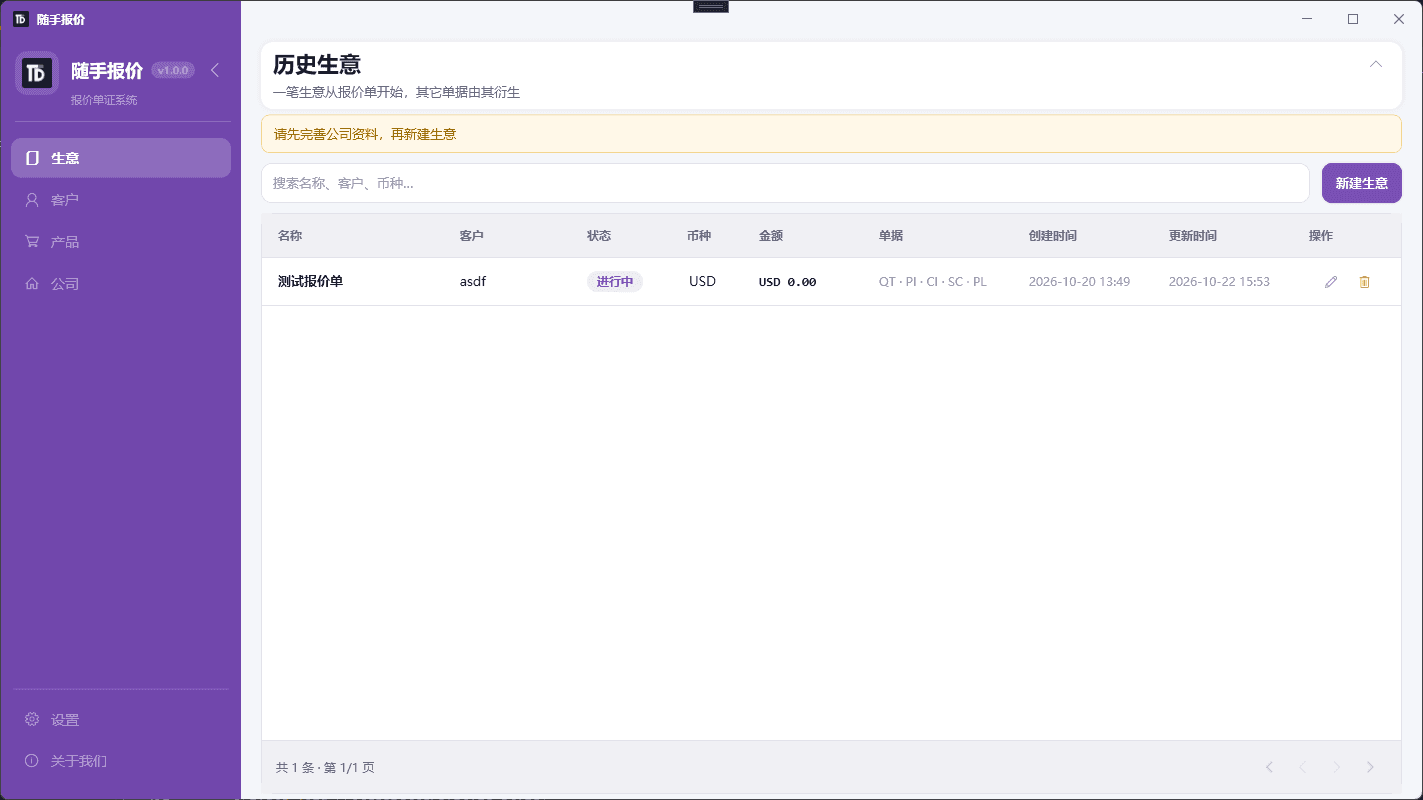
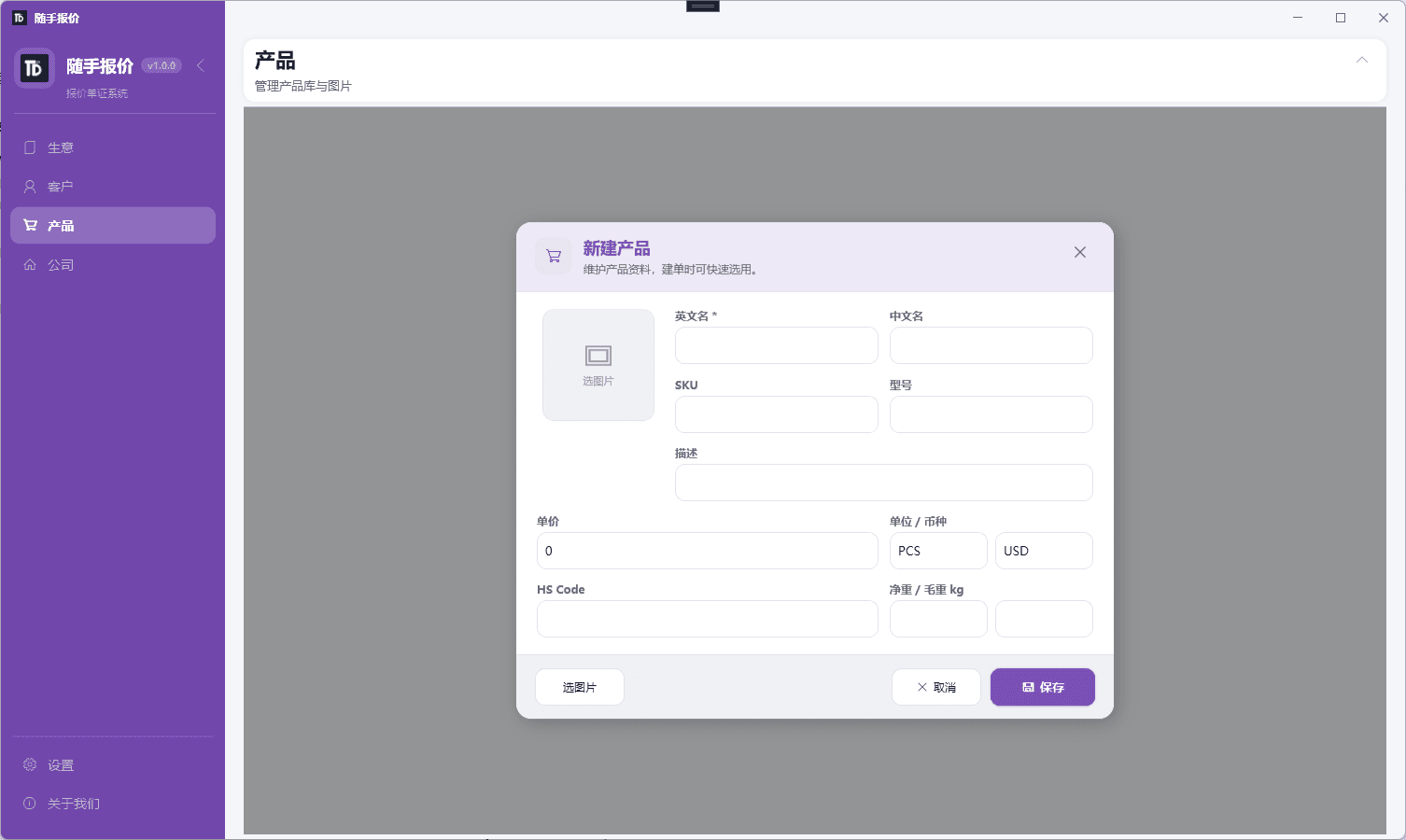
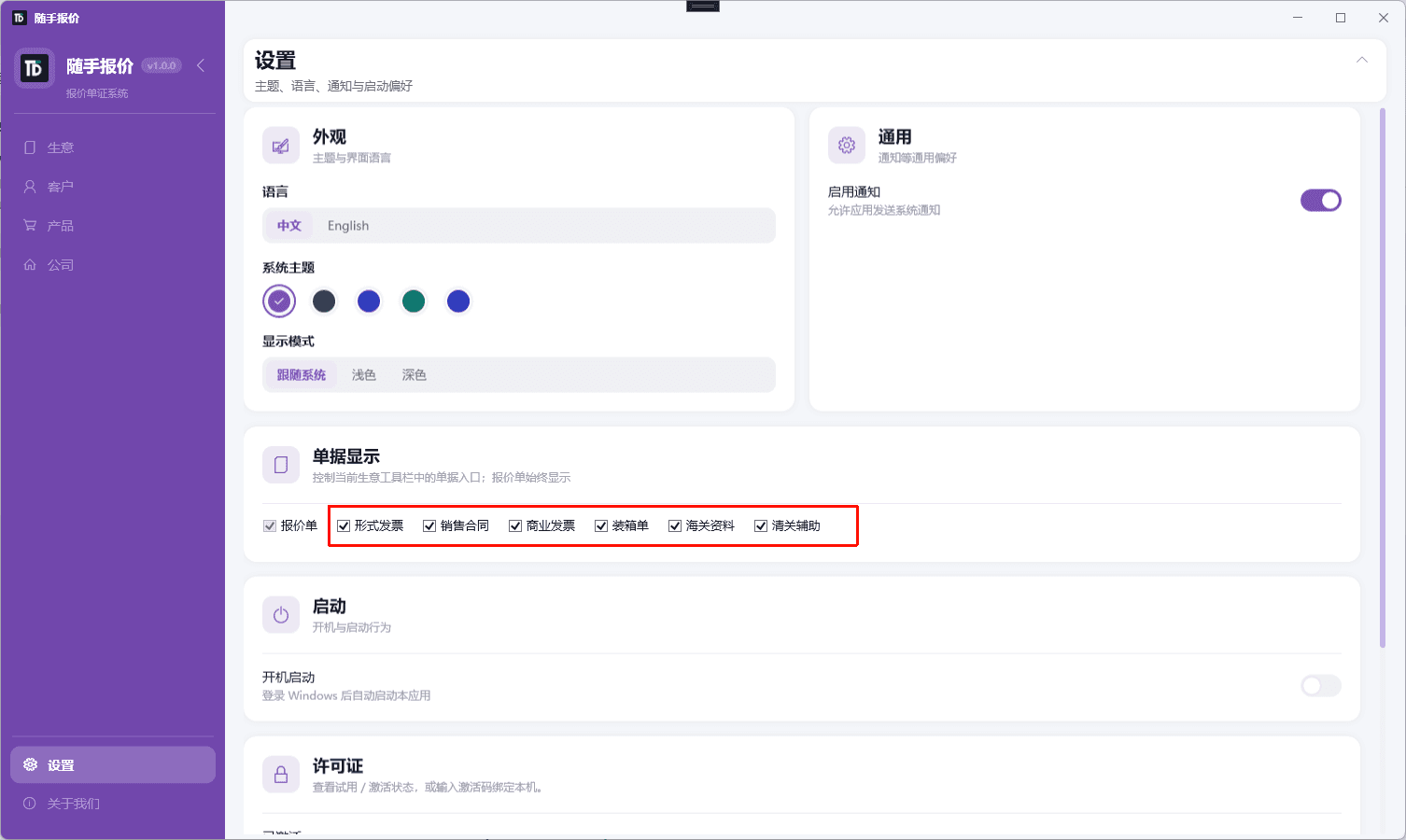
Quote list, document preview, customers, products, and local settings — the same workflow as the web app.
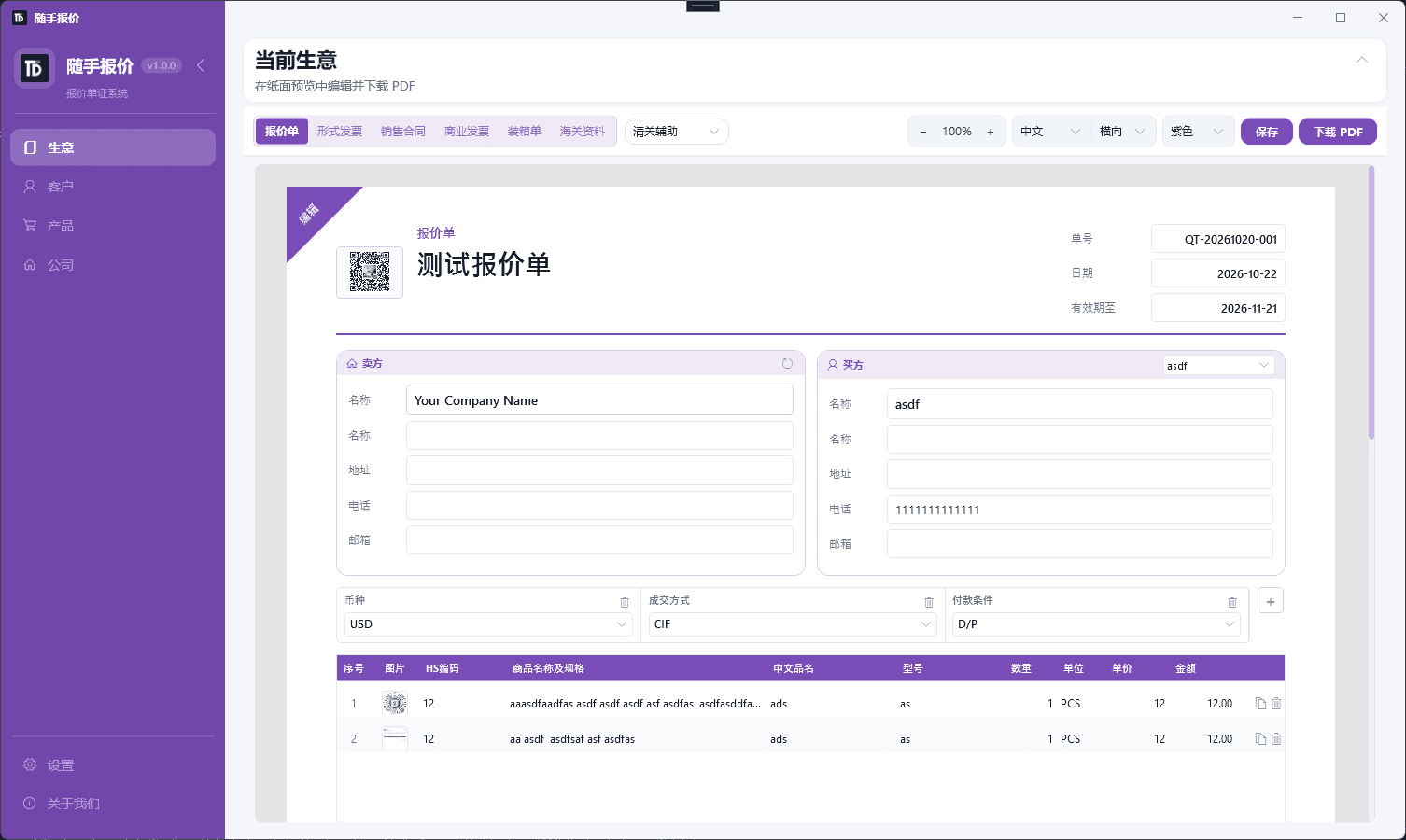
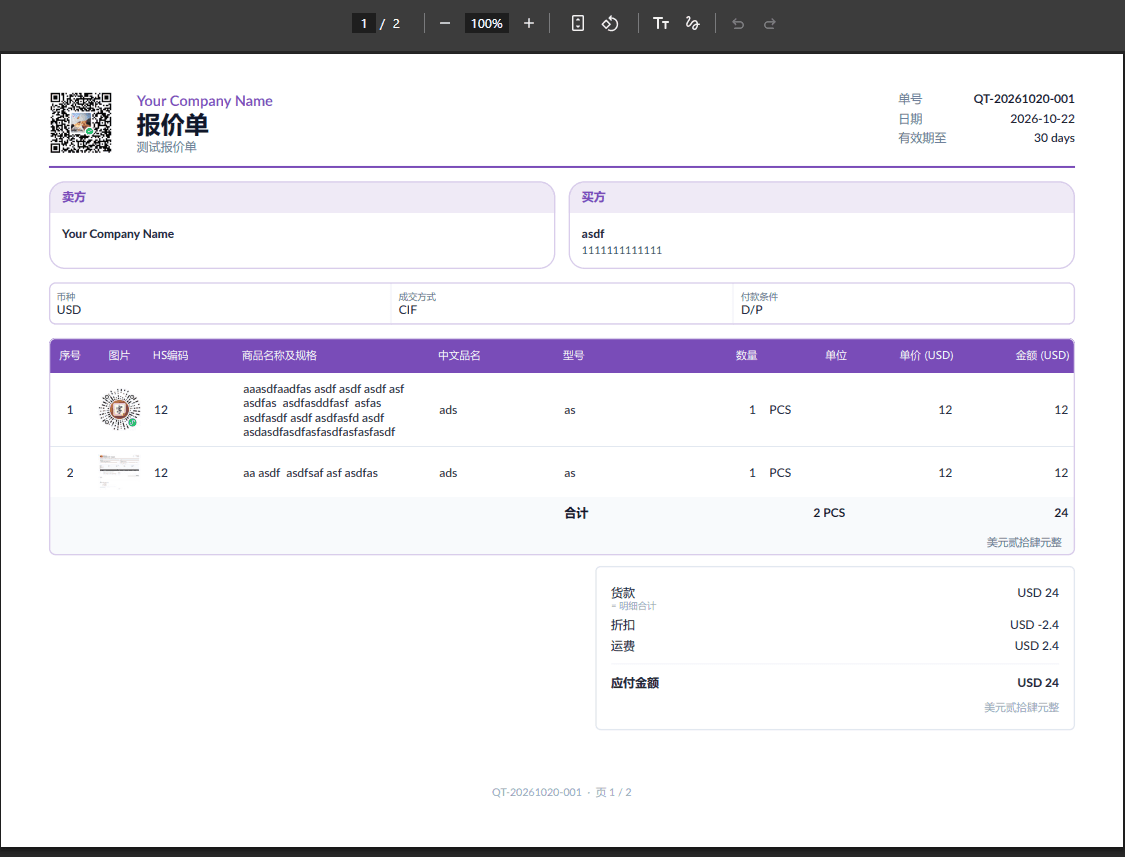
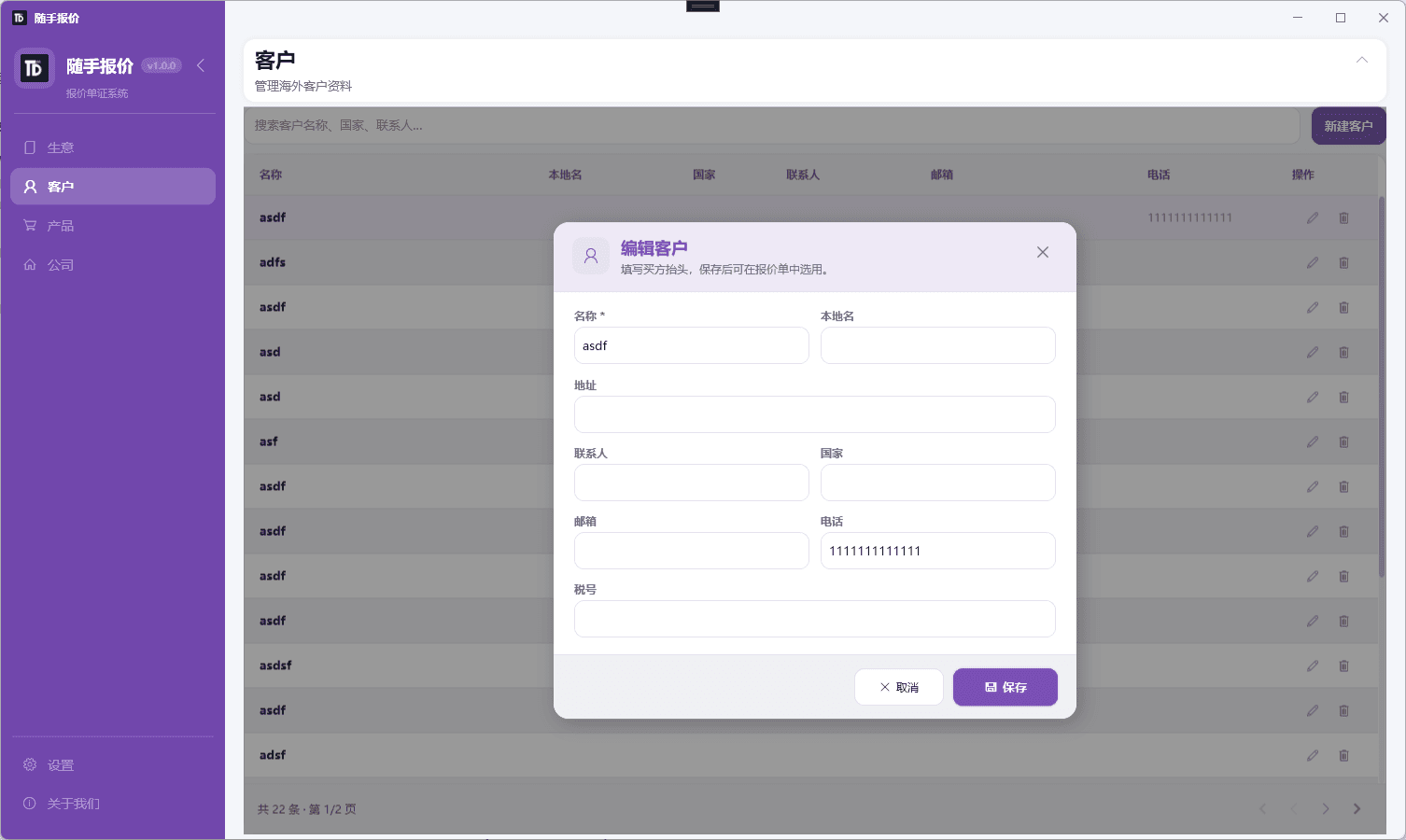
Download the installer and finish setup in minutes. Contact us if you need an activation code.
Installer: SuishouBaojia-Setup-1.0.0.exe
Desktop edition by ComTools. Same quoting capabilities as Quotely online; data stays on your machine by default.